
Watchlists
Whether you are a new Member or an active buyer, Copart's Watchlist feature gives you the easiest, most convenient way to monitor the lots that have your interest.
What Are Copart Watchlists?
-
Watchlists keep track of the sale date, lot number, vehicle description, and the most current bid for every vehicle you selected to monitor.
-
From the Watchlist dashboard, you can view a comprehensive list of the saved vehicles in which you are most interested in bidding.
-
You can even filter your Watchlist results in the same way you can on a vehicle search page.
How Do I Use Copart's Watchlist Feature
-
First performe a vehicle search or browse our full inventory.
-
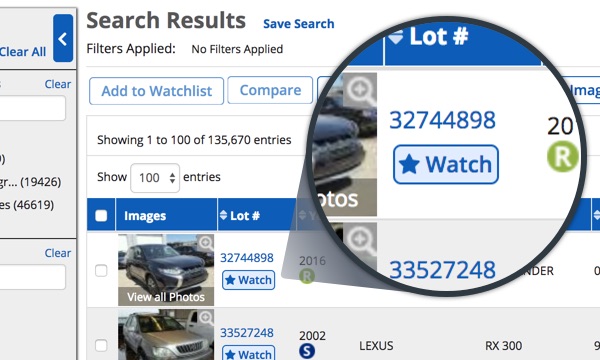
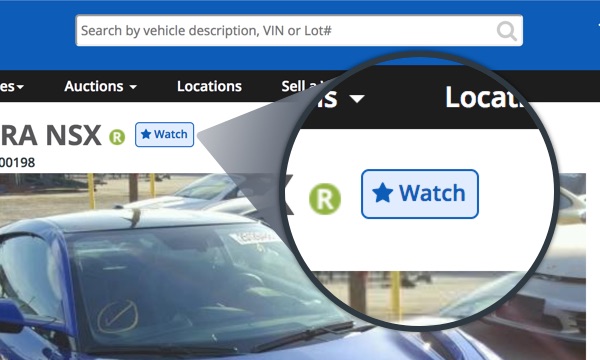
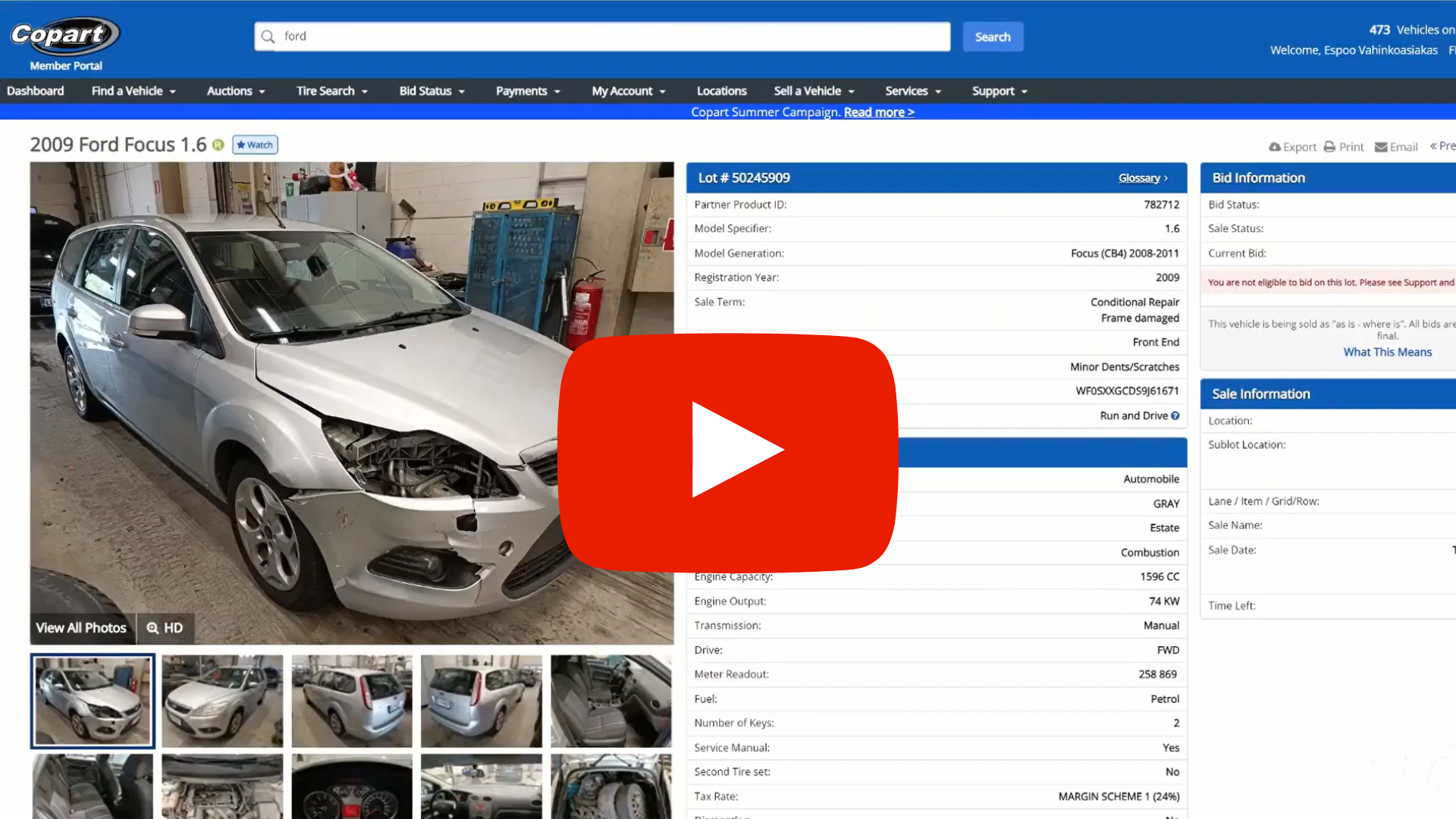
When you find the lot you like, click the 'Watch' button beneath the lot number.
-
You can save up to 2,000 lots at a time.
-
To view your Watchlist once you are logged in, select 'Dashboard' or click the 'Find a Vehicle' drop down and select 'Watchlists'
-
You can access your Watchlist on Copart.com or on Copart's Mobile App.
-
To make sorting and viewing your Watchlists even easier, you can export your Watchlist to an Excel worksheet.
Finding the watchlist buttons
You can remove vehicles from your Watchlist at any time by selecting “Remove” from those vehicles in your Watchlist.